- Home Page /
- Electronics /
- Computers, Laptops and Tablets /
- Computer Accessories /
- Drawing Tablets /
- XPPen Latest 10"x6.25" Drawing Tablet, XP Dec...
0 ratings


Item #:
190230815
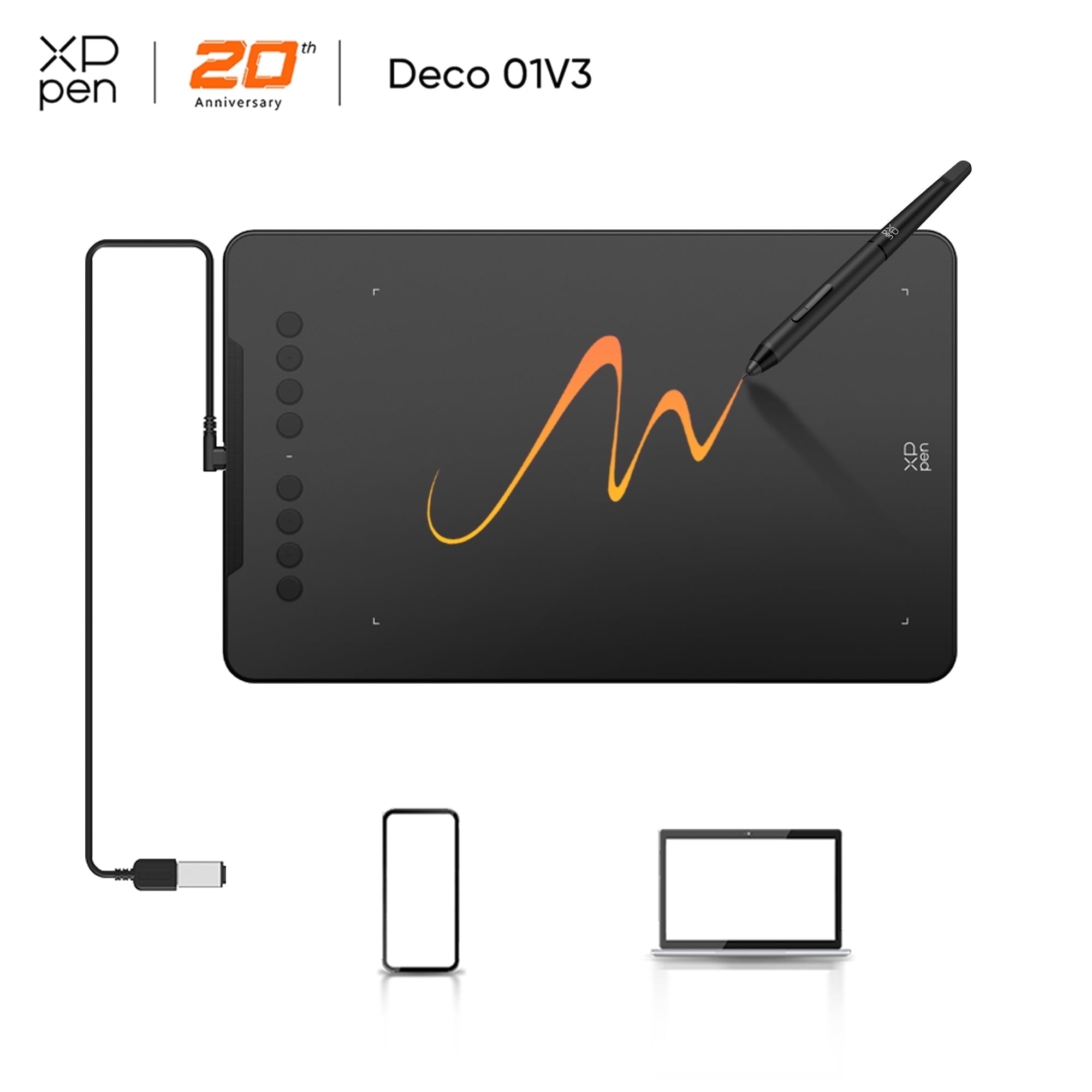
XPPen Latest 10"x6.25" Drawing Tablet, XP Deco Graphic Tablet with Pen, 16384 Levels Pressure/60° Tilt Function/8 Shortcut Keys, Digital Drawing Pad
87% of respondents would recommend this to a friend
Item #:
190230815
€ 56
Price Details
Excluding Shipping & Custom charges ( Shipping and custom charges will be calculated on checkout )
*All items will import from US
33%
0 ratings
Write a review
In stock
 Imported from USA store
QTY:
Only 12 items left in stock.
Order now and get it around Sunday, September 13
Secured transaction
Ubuy works hard to protect your security and privacy. Our advanced payment security system ensures confidentiality by encrypting your information during transmission using AES (Advanced Encryption Standards) and SSL (Secure Socket Layer) protocols. Your payment details are 100% secure as we do not share your payment details with third party sellers.
Our Top Logistics Partners


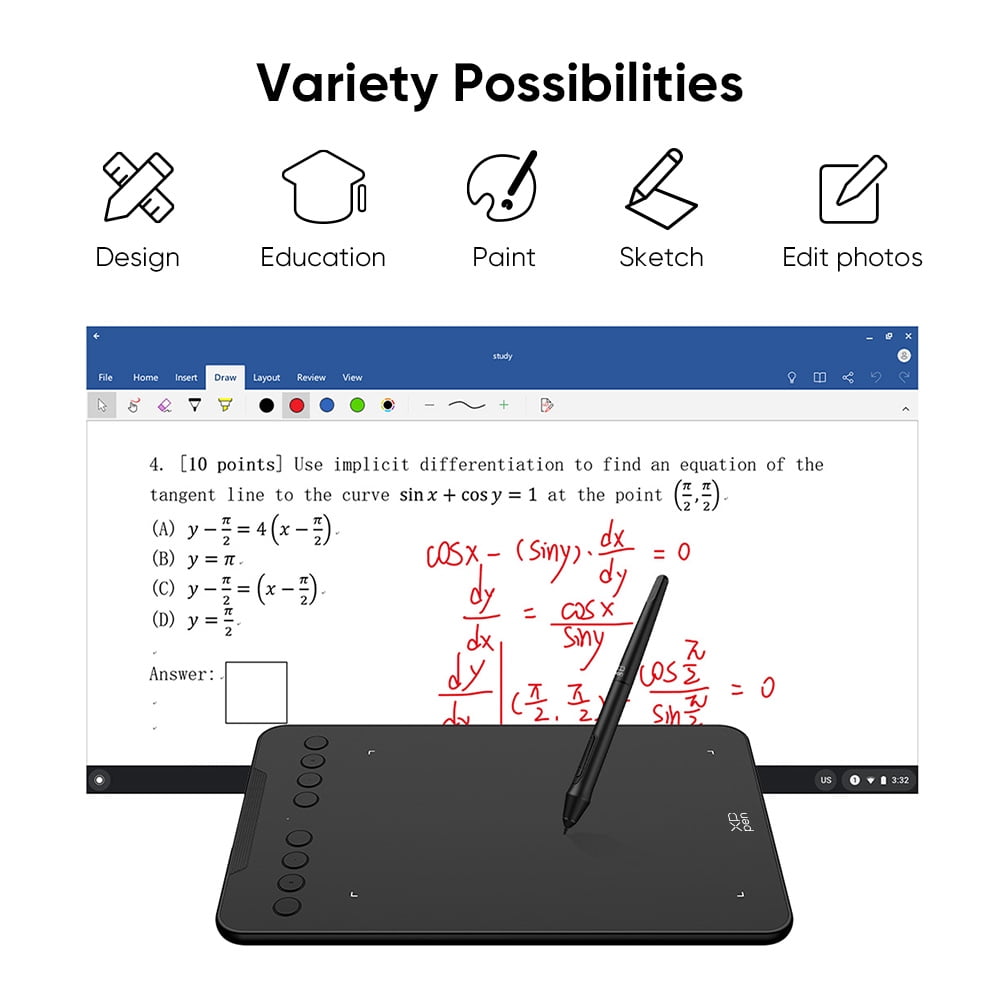
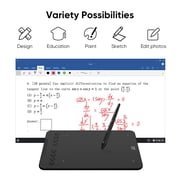
Experience the ultimate in digital drawing with the XPPen Deco Series, featuring an ultra-smooth battery-free stylus, customizable express keys, and cross-device compatibility.

Fast
Shipping

Free
Return*

Secure Packaging

100% Original Products

PCI DSS Compliance

ISO 27001 Certified



Note: Step Down Voltage Transformer required for using electronics products of US store (110-120). Recommended power converters Buy Now.


What Stands Out
High Pressure Sensitivity
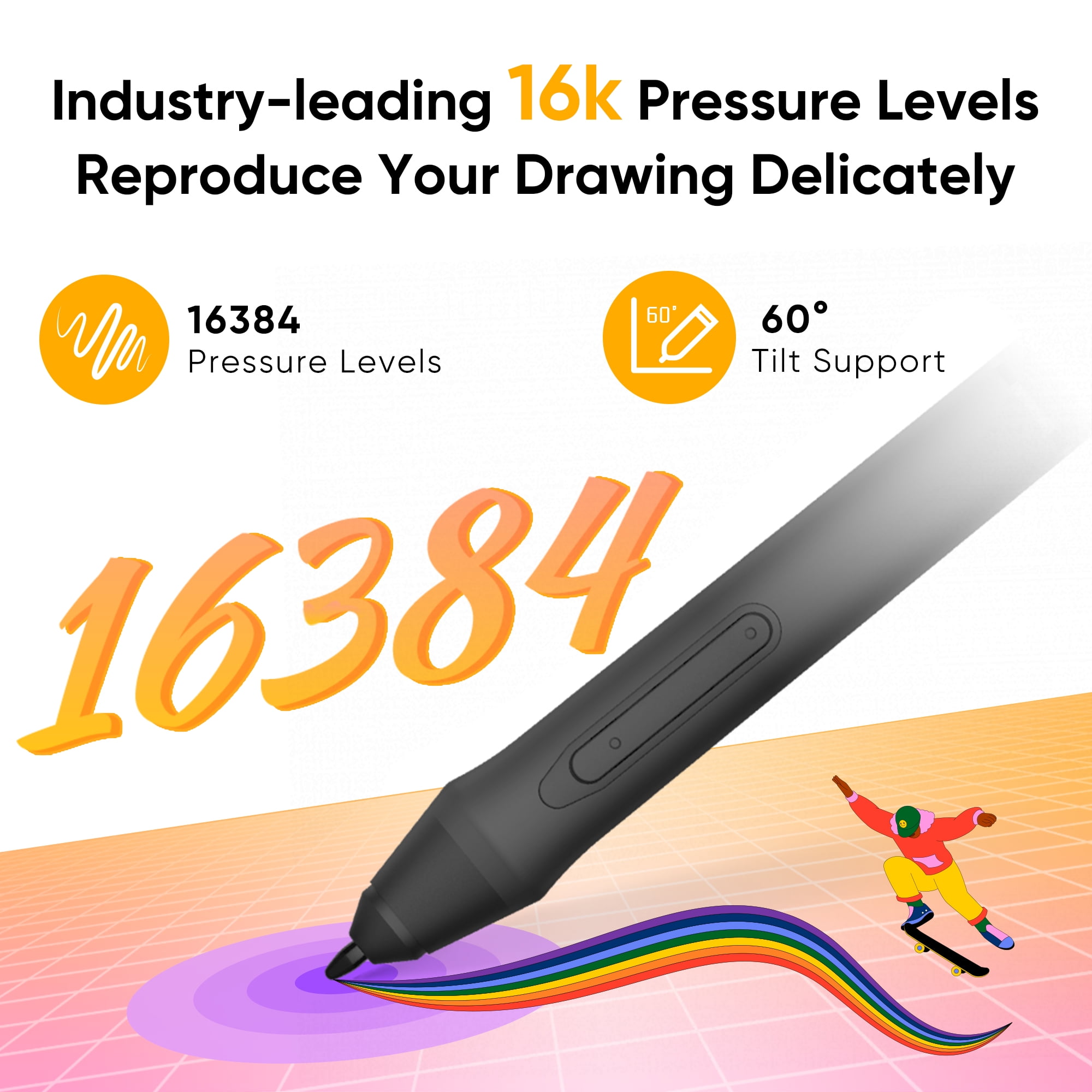
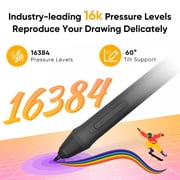
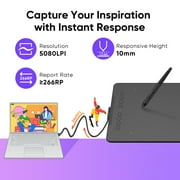
With 16,384 levels of pressure sensitivity, this tablet enables artists to create intricate details and varied brush strokes, enhancing the digital drawing experience for both beginners and professionals.
Tilt Functionality
The 60° tilt function allows for more natural and dynamic pen strokes, mimicking the feel of traditional drawing, which is perfect for artists looking to achieve depth in their digital artwork.
Customizable Shortcut Keys
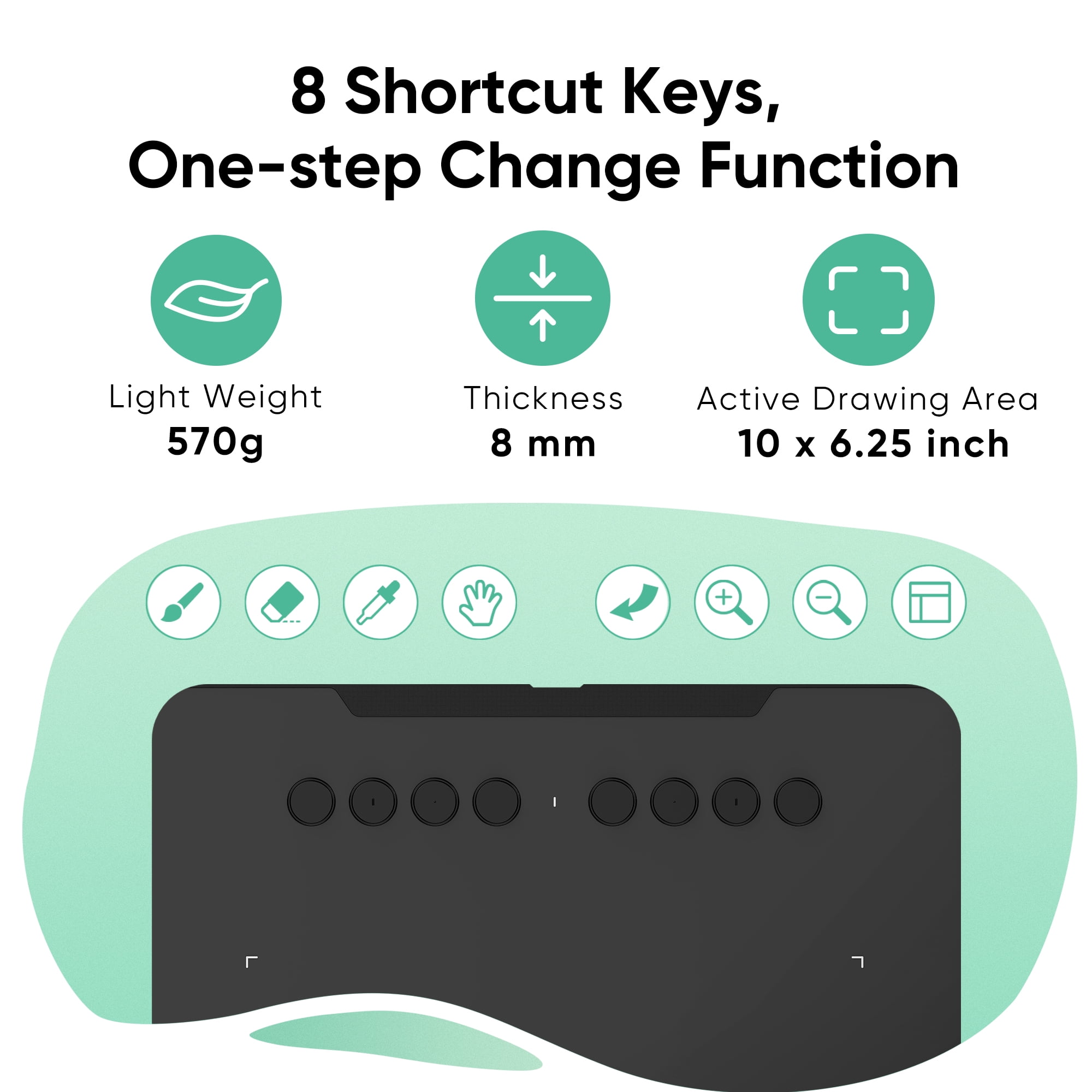
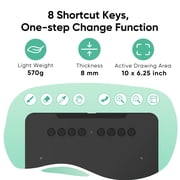
Eight customizable shortcut keys provide quick access to frequently used functions, streamlining the drawing process and improving workflow efficiency for users across various digital art applications.
Product Details
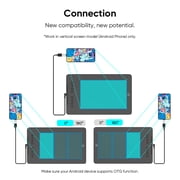
- The XP-Pen graphics tablet and display can help users adjust picture details more easily in digital art creation. The design of drawing tablet with screen is very suitable for beginners, professional animators and graphic designers. In order to help you use the digital art pen tablets better, please kindly read the following information: 1. Each XP drawing tablet has a detailed user manual. If you have trouble connecting to a computer or installing a driver, please feel free to ask customer service for help. 2. XP Art sketch drawing tablet cannot be used alone and download APP. It needs to be connected to a computer or smartphone to use. 3. Digital graphics tablet and display is an input tools, it is not drawing toy and not suitable for young children to have fun.
| Pressure level | Pressure Compensating |
| Screen size | 10 in (25.4 cm) |
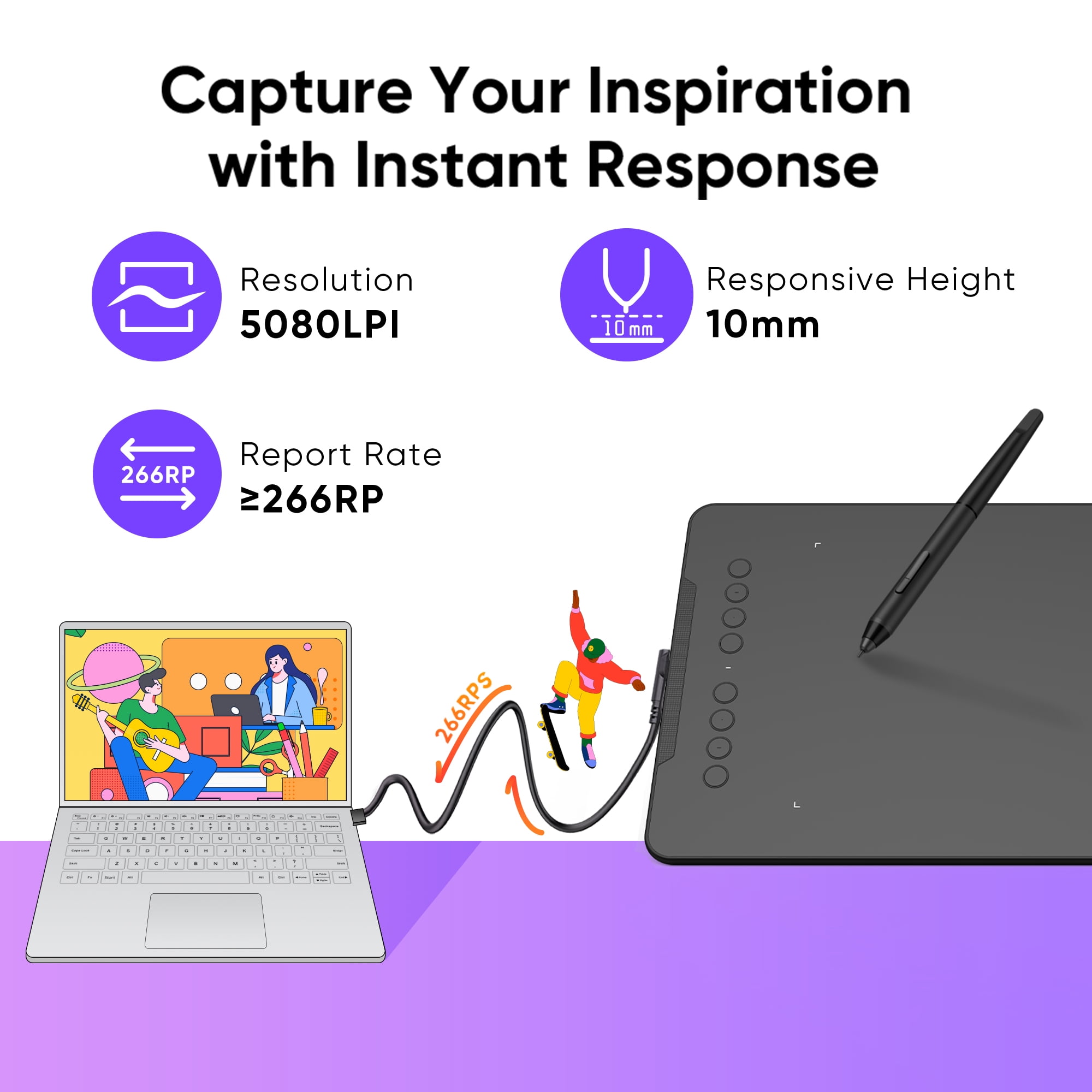
| Resolution | 5080LPI |
| OS | Windows 7 |
| Brand | XP-Pen |
| Features | Adjustable Brightness |
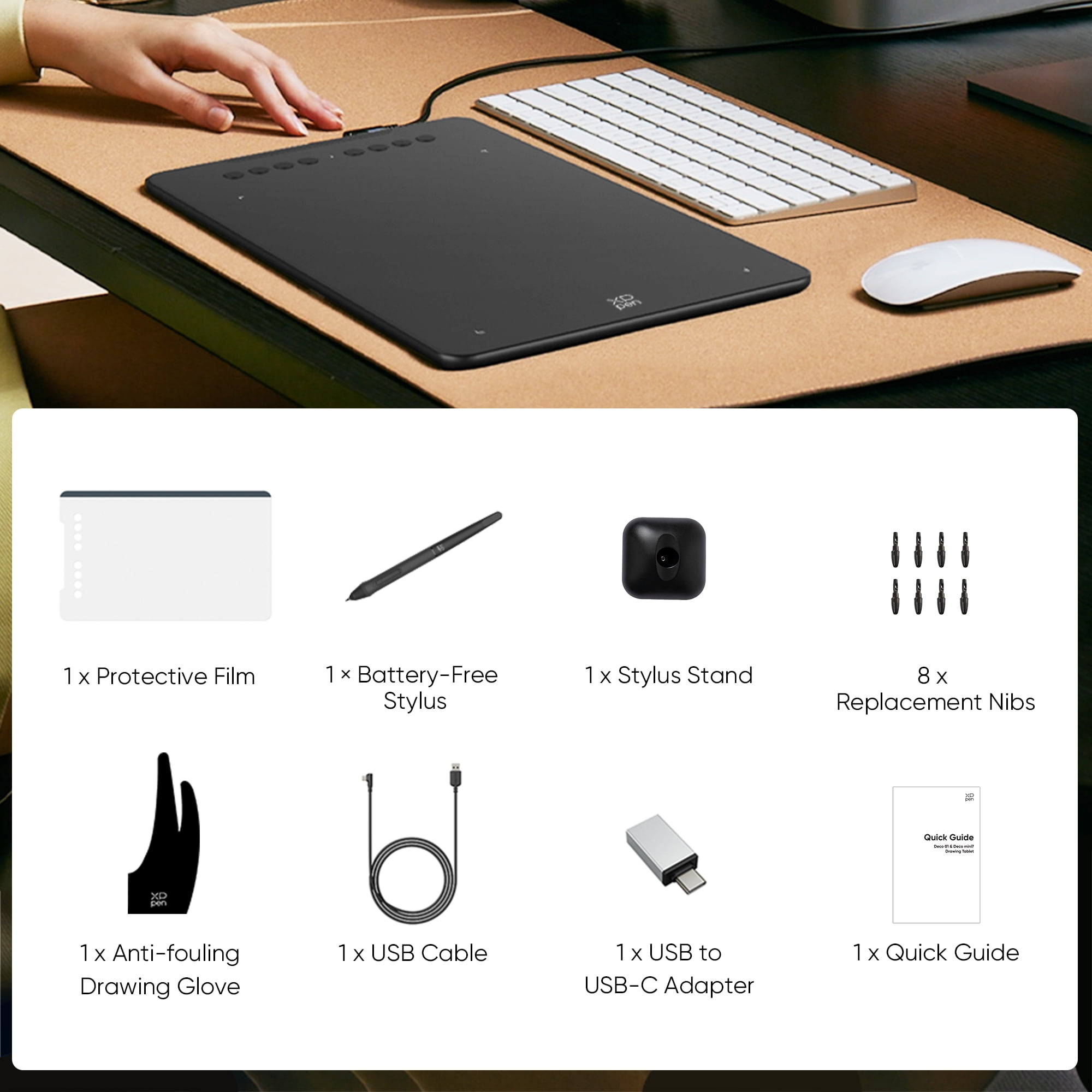
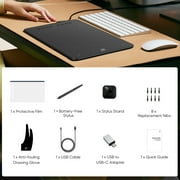
| Accessories | 1 x Drawing Tablet; 1 x Battery-free Stylus; 1 x Stylus Stand; 1 x USB Cable; 8 x Replacement Nibs; 1 x Protective Film; 1 x USB to USB-C Adapter; 1 x Anti-fouling Drawing Glove; 1 x Quick Guide |
| Battery life | 0 days |
| Wireless | None |
| Display | Digital |
| Brightness | 0 cd/㎡ |
| Dimensions | 13.80 x 0.30 x 8.50 in (35.1 x 0.8 x 21.6 cm) |
| Assembled product weight | 1.25 lb (570 grams) |
| Model name | HWD01-JANV3 |
| Response time | 14 ms |
| Viewing angle | 178º |
| Material | Metal, ABS |
| Apps installed | The XPPen graphics tablet cannot install the app, it needs to be connected to a computer/smartphone to use. |
Dangerous Goods
To avoid the delay in customs clearance process for Dangerous Goods, the shipment shall be opened at our warehouse facility to check the severity of hazardous components. Please see the list of Dangerous goods here.
Who Should Buy?

-
Digital Artists
Perfect for digital painters who need high pressure sensitivity and tilt functionality for detailed artwork creation.
-
Game Designers
Ideal for game developers who require precision in graphic design and concept art for games and apps.
-
Students & Beginners
Great for students and beginners entering digital art, offering user-friendly features and ample functionality for learning.

-
Professional Illustrators
May not meet the high-end demands of professional illustrators requiring advanced features and superior build quality.
Product Description
Have any Query? Chat with us
Customer Questions & Answers
-
Question:
How to Shop XPPen Latest 10"x6.25" Drawing Tablet, XP Deco Online From Ubuy?
Answer: It’s easy to shop XPPen Latest 10"x6.25" Drawing Tablet, XP Deco online from Ubuy. You just have to search for the product, choose your shipping method while checking out and get it delivered to your location. -
Question:
Is XPPen Latest 10"x6.25" Drawing Tablet, XP Deco Available to Shop Online in Malta?
Answer: Yes, at Ubuy Malta this product is available for you to shop at a reasonable price. The XPPen Latest 10"x6.25" Drawing Tablet, XP Deco is not available locally but you can trust us with our express shipping services. -
Question:
How Long Does It Take to Get Product After Placing the Order?
Answer: The delivery time of your ordered product varies as per what you've ordered and the shipping method that you've chosen. The estimated delivery time is mentioned during the checkout process, so be carefree while shopping.
XP-Pen Drawing Tablets Editorial Review
XPPen Latest 10"x6.25" Drawing Tablet, XP Deco Graphic Tablet with Pen, 16384 Levels Pressure/60° Tilt Function/8 Shortcut Keys is designed for seamless digital art creation. Users have praised its responsiveness and compatibility with various software, including older versions. The pressure sensitivity and tilt function enhance drawing accuracy, making the tablet feel akin to traditional paper. Additionally, the ease of setup and programmable shortcut keys significantly enhance the workflow for both novice and experienced artists alike. Many users reported quick learning curves, even for younger artists, making it an excellent choice for families interested in digital drawing.
Customer Reviews & Ratings
28 customers ratings
-
5 Star
57%
-
4 Star
17%
-
3 Star
10%
-
2 Star
7%
-
1 Star
7%
Review this product
Share your thoughts with other customers
Pros
- Excellent pressure sensitivity for detailed artwork
- Large drawing area great for various styles
- Easy setup and driver installation process
- Programmable shortcut keys improve workflow
- Durable design made with quality materials
Cons
- Tablet can be slightly heavy on the lap
Product Price History
Important information
- Limitations : For products shipped internationally, please note that any manufacturer warranty may not be valid; manufacturer service options may not be available; product manuals, instructions, and safety warnings may not be in destination country languages; the products (and accompanying materials) may not be designed in accordance with destination country standards, specifications, and labeling requirements; and the products may not conform to destination country voltage and other electrical standards (requiring use of an adapter or converter if appropriate). The recipient is responsible for assuring that the product can be lawfully imported to the destination country. When ordering from Ubuy or its affiliates, the recipient is the importer of record and must comply with all laws and regulations of the destination country.
- Not all the products listed on Ubuy are for sale, as Ubuy is a global search engine. Products are subject to export/trade regulations.
€ 56
Order now and get it around Sunday, September 13
This item is not restrict in my country.(Please click on above link if this item is not restrict in your country, So our team will review and allow.)
QTY:
Only 12 items left in stock.
Secured transaction
PCI DSS compliant and ISO 27001:2022 certified, with encrypted payments and full buyer protection on every order.
Our Top Logistics Partners
Fastest cross-border delivery
Features & Benefits
- 10 x 6.25 inches working area with a sleek 8mm thin body for portability.
- Battery-free stylus with 16,384 levels of pressure sensitivity and 60° tilt sensing.
- Customizable express keys for personalized functionality.
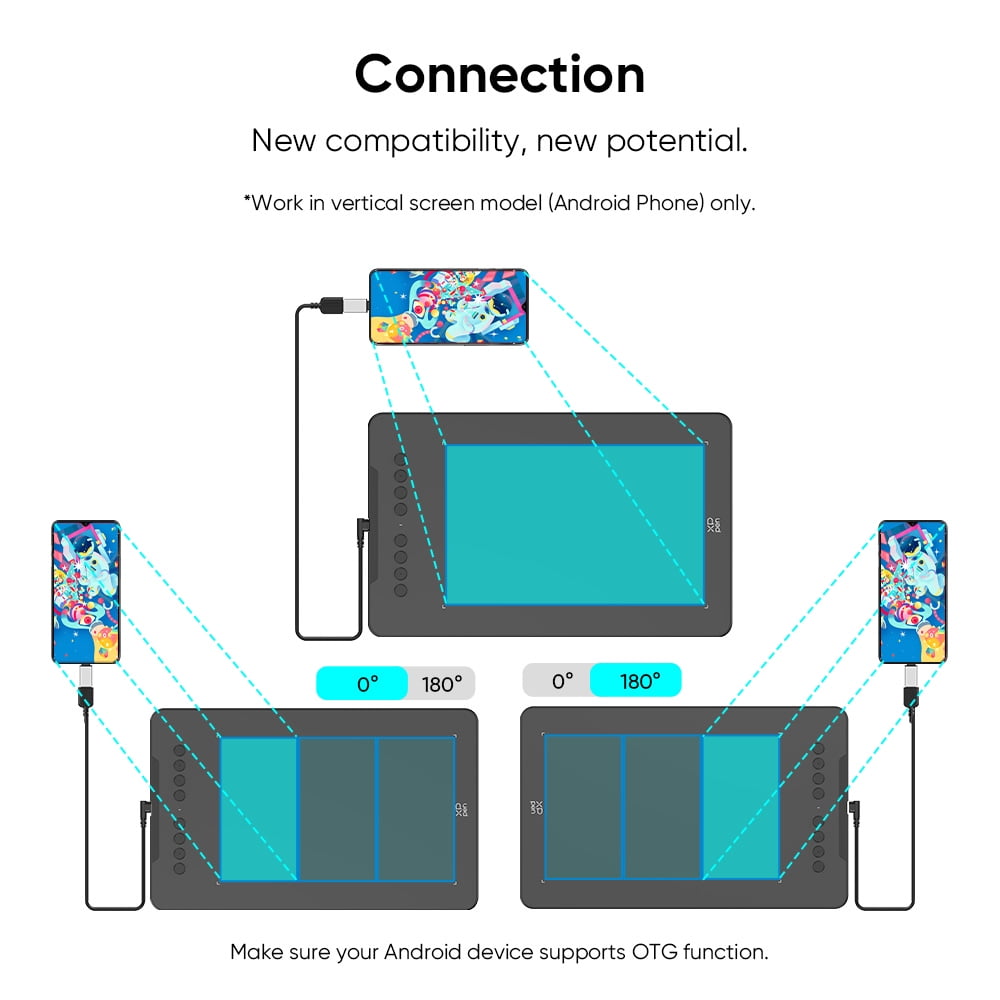
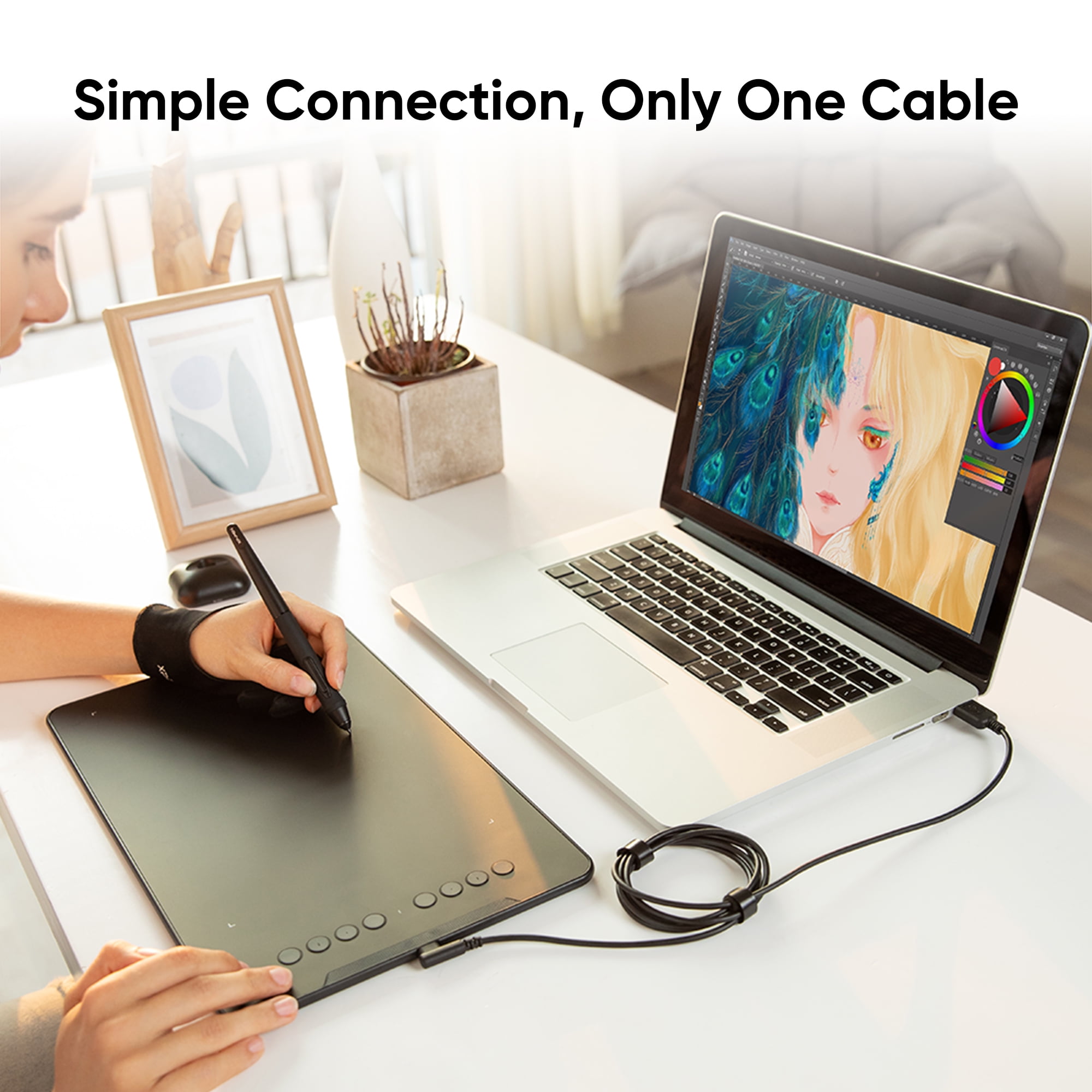
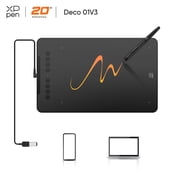
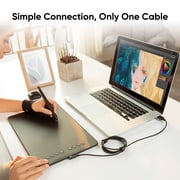
- Easy one-cable connection with included USB-C adapters.
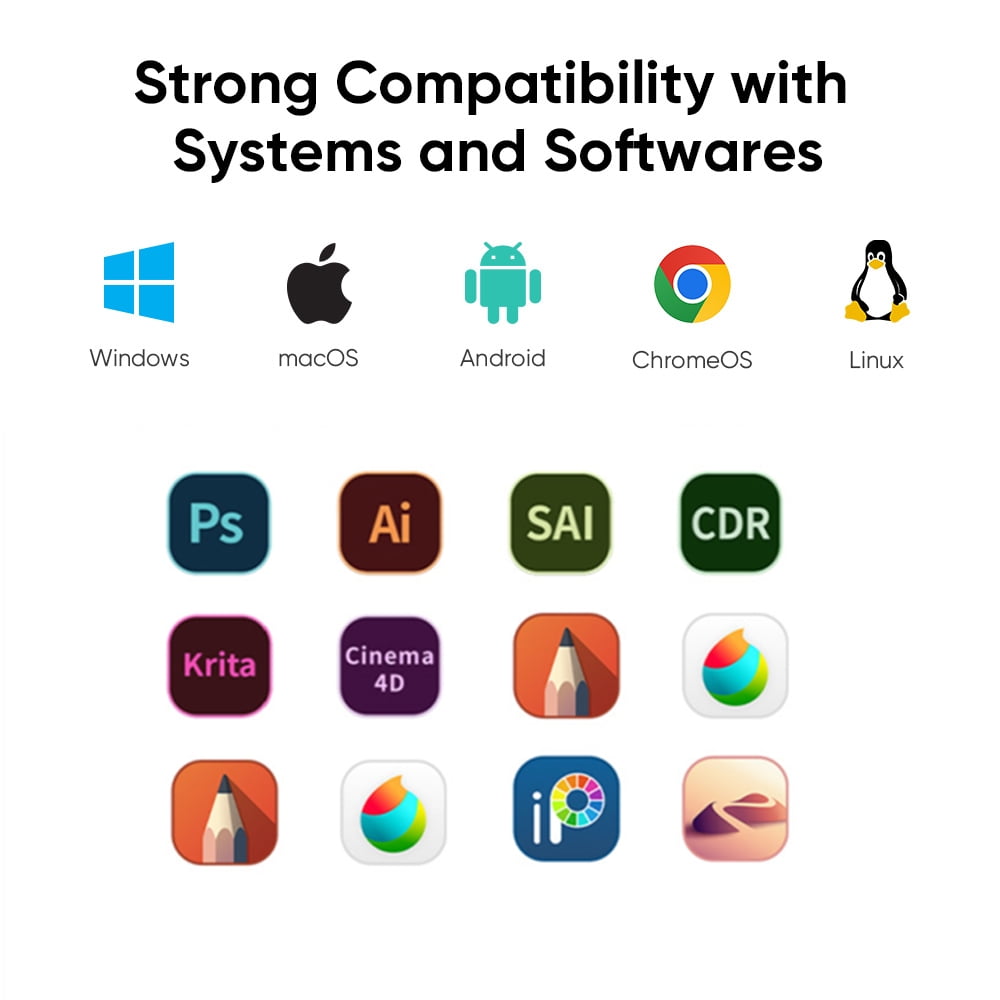
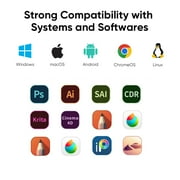
- Compatible with major operating systems and design software.
- Ideal for both beginners and professionals in digital art creation.
Ubuy Assurance
Experience worry-free shopping with 100% original products, PCI DSS-compliant payment security, ISO 27001-certified data protection, the fastest cross-border delivery, free returns *, and secure packaging on every order.